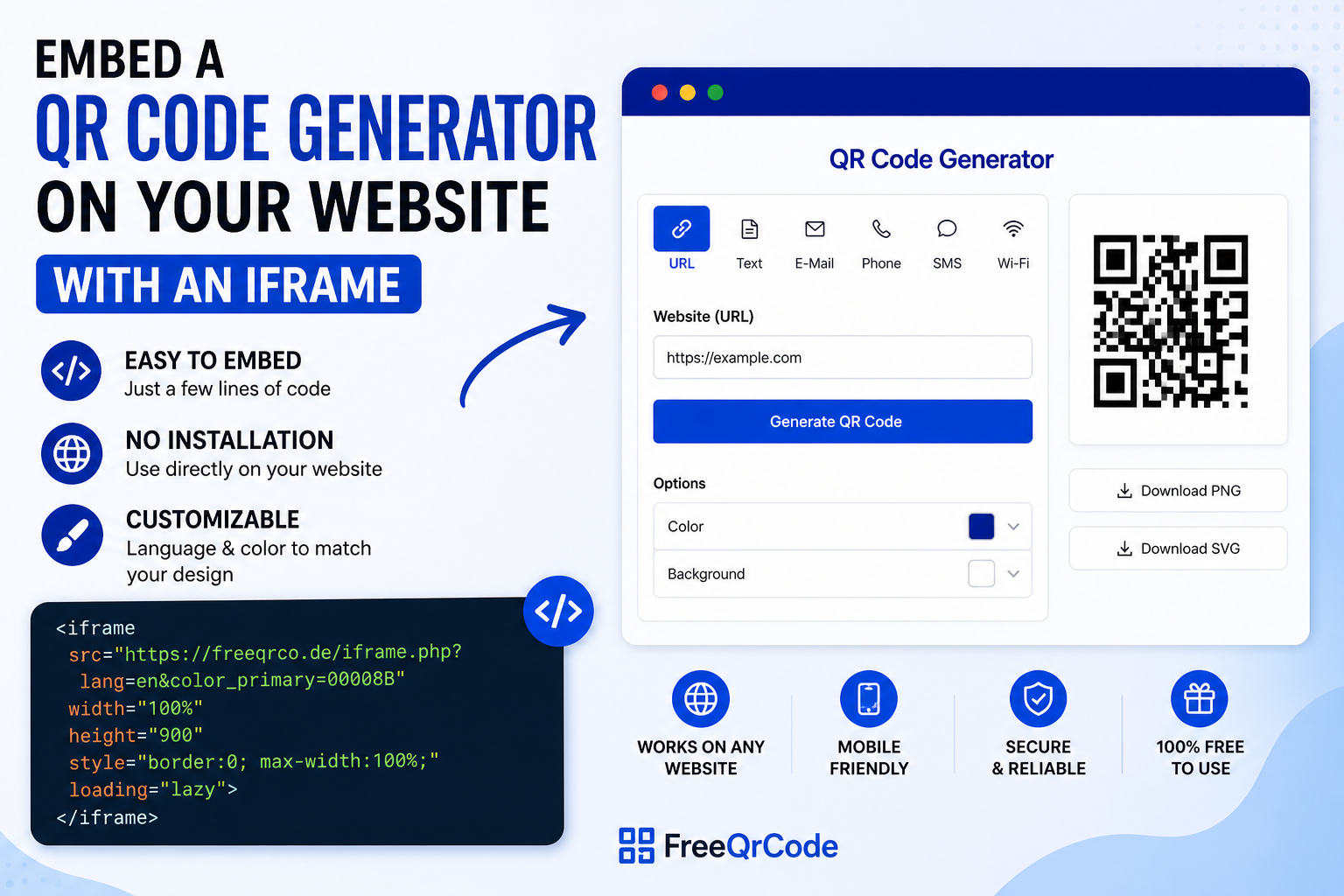
A QR code generator can be a useful feature for many websites. Whether you run an agency website, a company page, a customer portal, an internal tool, or a WordPress blog: with the FreeQRCode iframe, you can embed a complete QR code generator into your own website quickly and easily.
The main advantage is that you do not need to install your own QR code software, connect an API, or maintain additional code. The generator is loaded directly through an iframe and can be used by your website visitors immediately.
What is an iframe?
An iframe is an HTML element that allows content from another website to be displayed inside your own page. In this case, the FreeQRCode generator is loaded directly into your website.
All you need is a short HTML snippet. You can add it to WordPress, a classic HTML website, a landing page, or a custom web project.
Simple iframe Code for the QR Code Generator
The simplest version looks like this:
<iframe
  src="https://freeqrco.de/iframe.php"
  width="100%"
  height="900"
  style="border:0; max-width:100%;"
  loading="lazy">
</iframe>
This loads the QR code generator with the default settings. The width is set to 100%, so the iframe adapts to the available width of your content area.
Embed the QR Code Generator in English
To display the generator in English, use the lang=en parameter:
<iframe
  src="https://freeqrco.de/iframe.php?lang=en"
  width="100%"
  height="900"
  style="border:0; max-width:100%;"
  loading="lazy">
</iframe>
This option is ideal for English-speaking websites, international blogs, SaaS tools, and business websites.
Embed the QR Code Generator in German
For German websites, use the lang=de-DE parameter:
<iframe
  src="https://freeqrco.de/iframe.php?lang=de-DE"
  width="100%"
  height="900"
  style="border:0; max-width:100%;"
  loading="lazy">
</iframe>
This allows the same QR code generator to be used on German-language websites as well.
Choose a Layout: classic or vertical
The iframe generator supports different layout options. The layout can be controlled with the layout parameter.
Classic Layout
The classic layout displays the form and the QR code output next to each other. It works especially well for wider content areas, desktop views, and landing pages.
<iframe
  src="https://freeqrco.de/iframe.php?lang=en&layout=classic"
  width="100%"
  height="900"
  style="border:0; max-width:100%;"
  loading="lazy">
</iframe>
Vertical Layout
The vertical layout displays the content below each other. It is especially useful for narrow content areas, mobile views, or pages with a compact layout.
<iframe
  src="https://freeqrco.de/iframe.php?lang=en&layout=vertical"
  width="100%"
  height="1100"
  style="border:0; max-width:100%;"
  loading="lazy">
</iframe>
Customize the iframe Generator Color
You can also customize the main color of the generator directly through the URL. Use the color_primary parameter for this. The color value must be passed as a hex code without the hash symbol.
Example with dark blue:
<iframe
  src="https://freeqrco.de/iframe.php?lang=en&color_primary=00008B"
  width="100%"
  height="900"
  style="border:0; max-width:100%;"
  loading="lazy">
</iframe>
More color examples:
https://freeqrco.de/iframe.php?color_primary=000000
https://freeqrco.de/iframe.php?color_primary=0066CC
https://freeqrco.de/iframe.php?color_primary=198754
https://freeqrco.de/iframe.php?color_primary=DC3545
This makes it easy to adapt the QR code generator to the design of your own website.
Combine All Options
Language, layout, and color can be combined in one iframe URL. This gives you a customized version of the generator:
<iframe
  src="https://freeqrco.de/iframe.php?lang=en&layout=classic&color_primary=00008B"
  width="100%"
  height="900"
  style="border:0; max-width:100%;"
  loading="lazy">
</iframe>
Or with the vertical layout:
<iframe
  src="https://freeqrco.de/iframe.php?lang=en&layout=vertical&color_primary=00008B"
  width="100%"
  height="1100"
  style="border:0; max-width:100%;"
  loading="lazy">
</iframe>
Available URL Parameters
| Parameter | Example | Function |
|---|---|---|
lang | en, de-DE | Sets the language of the generator. |
layout | classic, vertical | Controls how the generator is displayed. |
color_primary | 00008B | Sets the main color of the generator. |
How to Embed the QR Code Generator in WordPress
In WordPress, the iframe code can be added very easily. No additional plugin is required.
- Open your WordPress page or post
- Add a new block
- Select the Custom HTML block
- Paste the iframe code
- Save or publish the page
Recommended WordPress iframe code:
<iframe
  src="https://freeqrco.de/iframe.php?lang=en&layout=classic&color_primary=00008B"
  width="100%"
  height="900"
  style="border:0; max-width:100%;"
  loading="lazy">
</iframe>
Why height=“100%“ Often Does Not Work with iframes
Many users try to embed an iframe with height="100%". However, this often does not work as expected. The reason is that 100% refers to the height of the parent element. If the parent element does not have a defined height, the browser cannot calculate the iframe height correctly.
For this reason, a fixed height is recommended. For the classic layout, 900 to 1000 pixels usually works well. For the vertical layout, 1100 to 1300 pixels may be a better choice.
Benefits of the iframe Integration
- No separate installation required
- No API integration needed
- Easy to embed in WordPress, HTML websites, landing pages, and custom web projects
- Language can be selected via URL parameter
- Layout can be selected via URL parameter
- Main color can be customized
- Responsive width with
width="100%" - Ideal for agencies, portals, company websites, and customer projects
Which Websites Can Use This QR Code iframe?
The iframe integration is suitable for many different use cases. It is especially useful for websites that want to offer visitors a practical additional tool.
- Agency websites
- Marketing and SEO portals
- Company websites
- SaaS platforms
- Educational websites
- Internal company portals
- WordPress blogs
- Customer areas and service pages
Complete HTML Example
Here is a full example of a simple HTML page with a header, content area, iframe, and footer:
<!doctype html>
<html lang="en">
<head>
  <meta charset="utf-8">
  <meta name="viewport" content="width=device-width, initial-scale=1">
  <title>Embed a QR Code Generator</title>
  <meta name="description" content="Embed a QR code generator into your website using an iframe.">

  <style>
    body {
      margin: 0;
      font-family: Arial, sans-serif;
      background: #f4f6f8;
      color: #222;
    }

    header {
      background: #00008B;
      color: #fff;
      padding: 40px 20px;
      text-align: center;
    }

    header h1 {
      margin: 0 0 10px;
      font-size: 32px;
    }

    header p {
      margin: 0;
      font-size: 18px;
    }

    main {
      max-width: 1200px;
      margin: 0 auto;
      padding: 40px 20px;
      background: #fff;
    }

    .intro {
      max-width: 800px;
      margin: 0 auto 30px;
      text-align: center;
      font-size: 18px;
      line-height: 1.6;
    }

    iframe {
      width: 100%;
      max-width: 100%;
      border: 0;
      display: block;
    }

    footer {
      background: #111;
      color: #fff;
      padding: 25px 20px;
      text-align: center;
    }
  </style>
</head>
<body>

  <header>
    <h1>Free QR Code Generator</h1>
    <p>Create QR codes directly on this website.</p>
  </header>

  <main>
    <div class="intro">
      <p>
        Use the integrated QR code generator to quickly create QR codes for links,
        text, contact data, and more.
      </p>
    </div>

    <iframe
      src="https://freeqrco.de/iframe.php?lang=en&layout=classic&color_primary=00008B"
      height="900"
      loading="lazy">
    </iframe>
  </main>

  <footer>
    <p>Powered by FreeQRCode</p>
  </footer>

</body>
</html>
Try It Directly
You can test the QR code generator directly in your browser:
Open the QR code generator iframe
Conclusion
With the FreeQRCode iframe, you can embed a complete QR code generator into your own website with just a few lines of HTML. The integration is simple, flexible, and does not require any additional software or API connection.
Thanks to URL parameters for language, layout, and color, the generator can be adapted to different websites and designs. For WordPress pages, HTML websites, customer portals, agency projects, and internal tools, the iframe solution is a practical way to provide a QR code generator directly on your own site.